

Born at Sandia National Labs

Exclusive commercial license

Trusted across industry and labs
Relied on for production meshing in nuclear, aerospace, defense, automotive, and national-lab research.

Doing U.S. government work? Cubit is free for you.
Cubit is free for U.S. government use through Sandia National Laboratories, available to government agencies and to contractors working under a U.S. government contract. The government-use license covers government work only. For commercial work you'll need Coreform Cubit, and many contractors run both: government Cubit for government projects, Coreform Cubit for commercial ones.
Geometry prep is where simulation time is lost.
Native CAD
From CAD to solver-ready mesh.
Coreform Cubit helps reduce the time it takes to generate analysis models, especially hex meshes of complex parts.
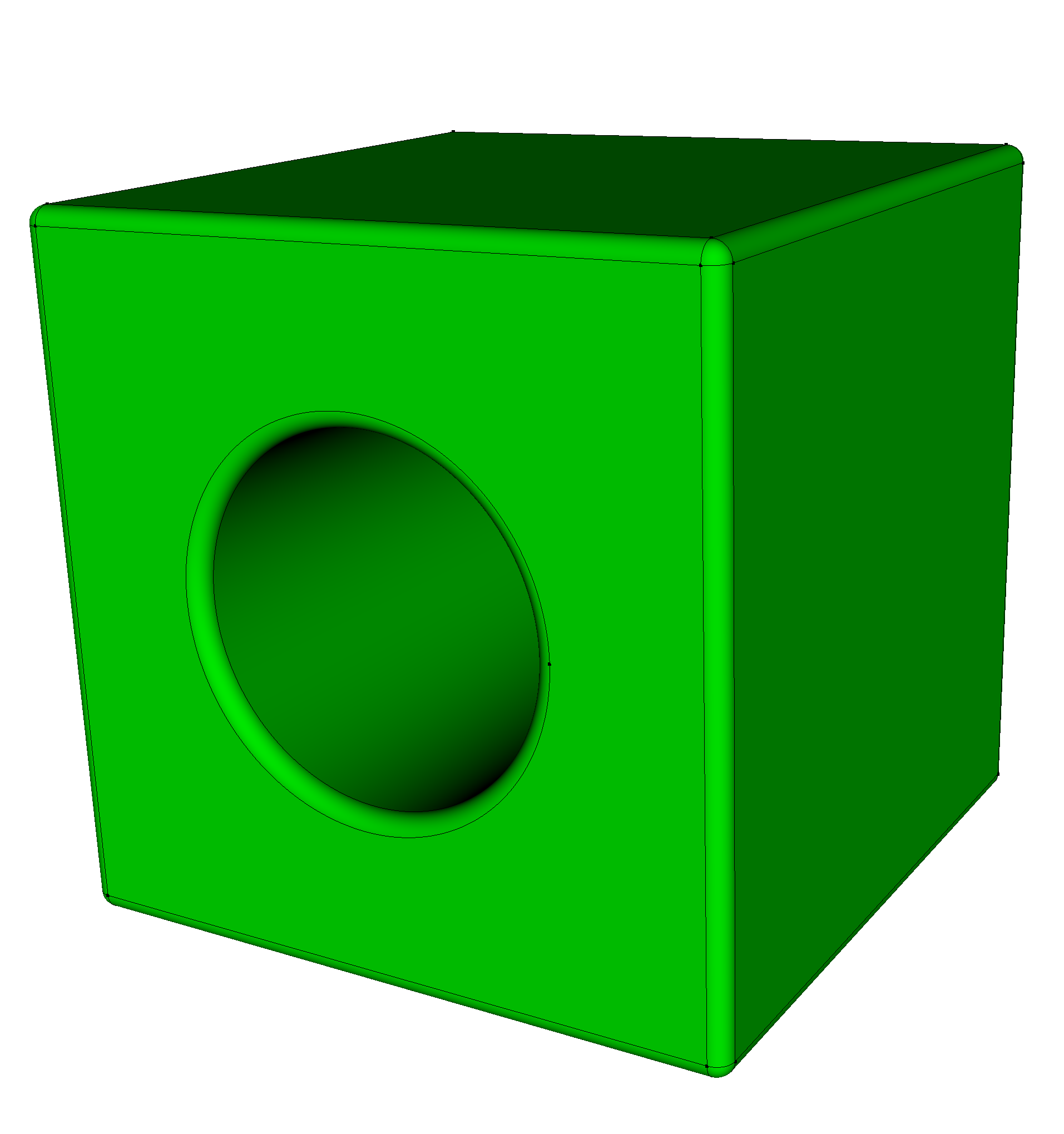
Import and heal
Import CAD formats such as STEP, IGES, CATIA, SOLIDWORKS, NX, CREO, and more. Analyze and repair dirty CAD by trimming, stitching, and rebuilding.
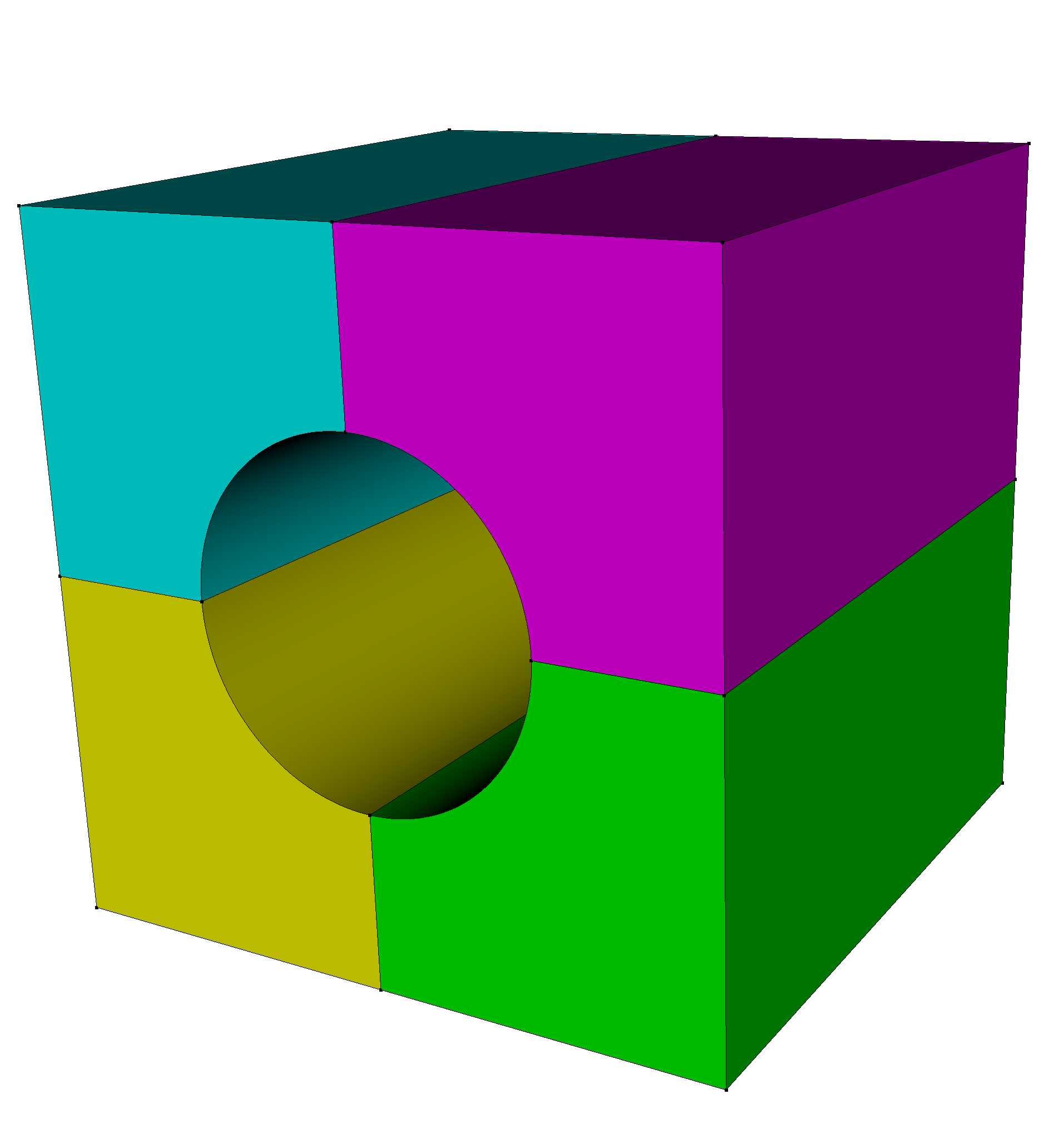
Prepare and decompose
Perform booleans, create virtual geometry, imprint and merge, and leverage Coreform Cubit's smart defeaturing tools to make assemblies meshable.
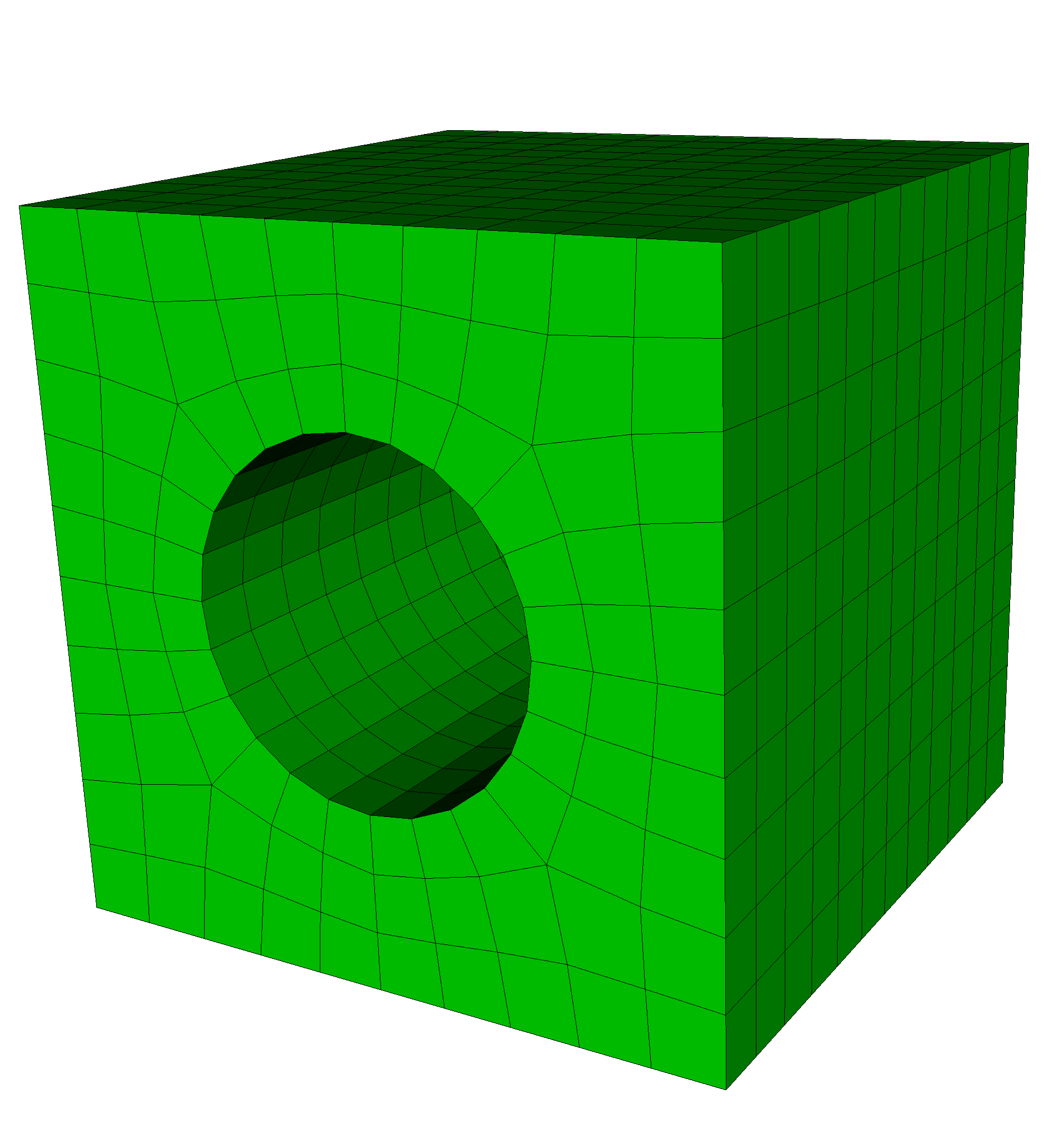
Mesh
Create hex, hex-dominant, or tet meshes with precise tools to dictate the meshing schemes and interval sizing, and inspect the meshes with exhaustive quality metrics.
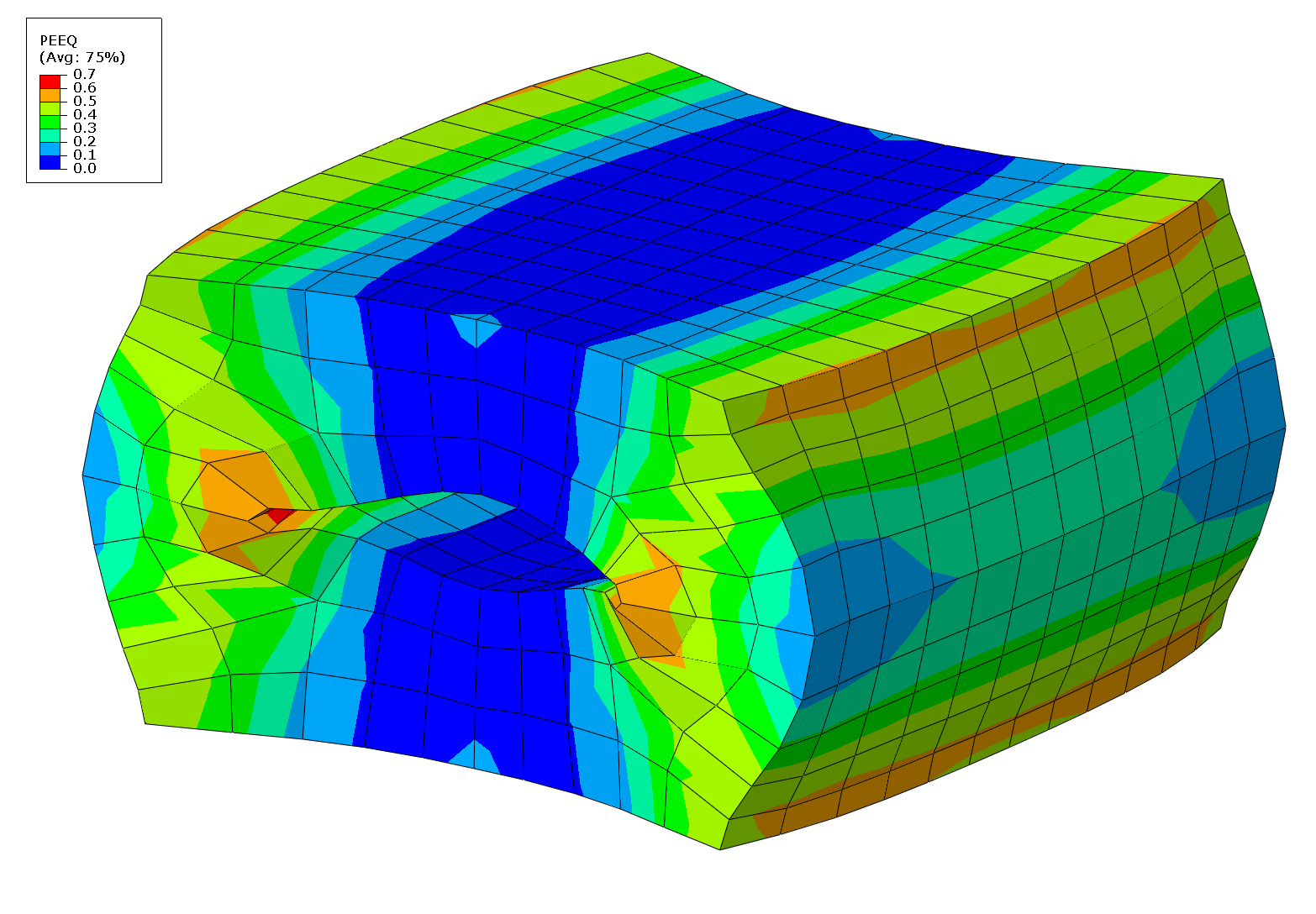
Export to your solver
Export your mesh. Coreform Cubit supports file formats for most leading commercial and open-source solvers.
FEATURES
A comprehensive meshing toolkit.
Coreform Cubit has a full-featured toolkit for robust generation of two- and three-dimensional finite element meshes, as well as features to help you fine-tune your CAD geometry to create the oprimal mesh.
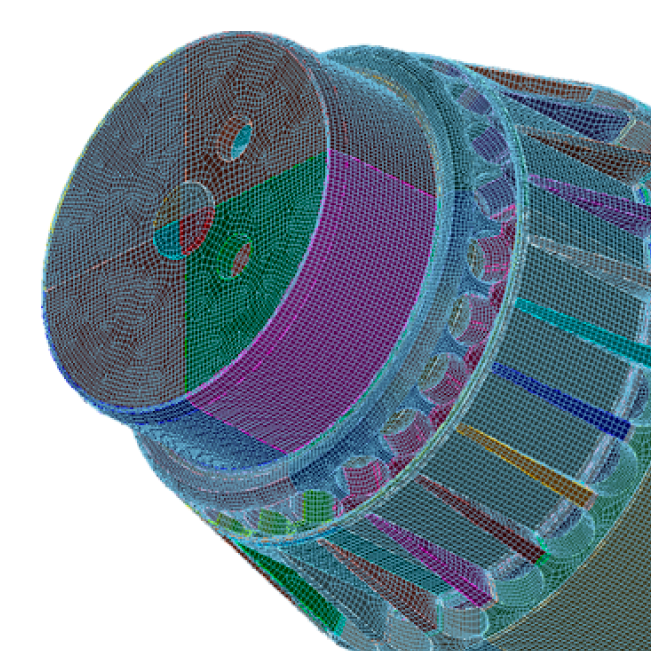
Geometry preparation
- Create and modify solid geometry with Booleans
- Auto-heal dirty CAD: trim, stitch, and rebuild
- Imprint and merge for conformal assembly meshing
- Smart defeaturing and powerful decomposition tools
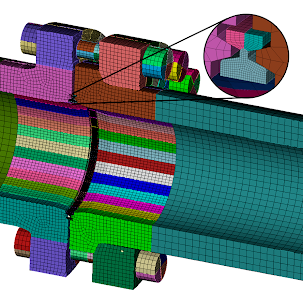
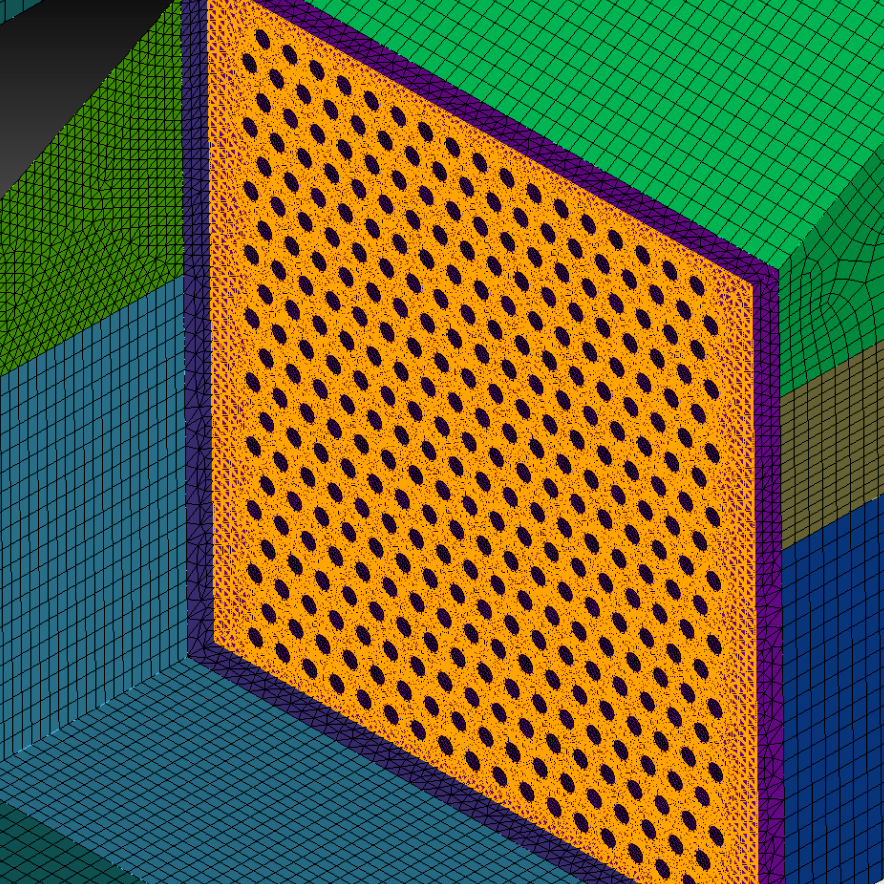
Meshing algorithms
- Industry-leading hex, hex-dominant, and tet meshing
- Paving, mapping, sub-mapping, sweeping, and multi-sweeping
- Multi-scheme automatic tri and tet meshing
- Automatic scheme selection, interval sizing, and smoothing
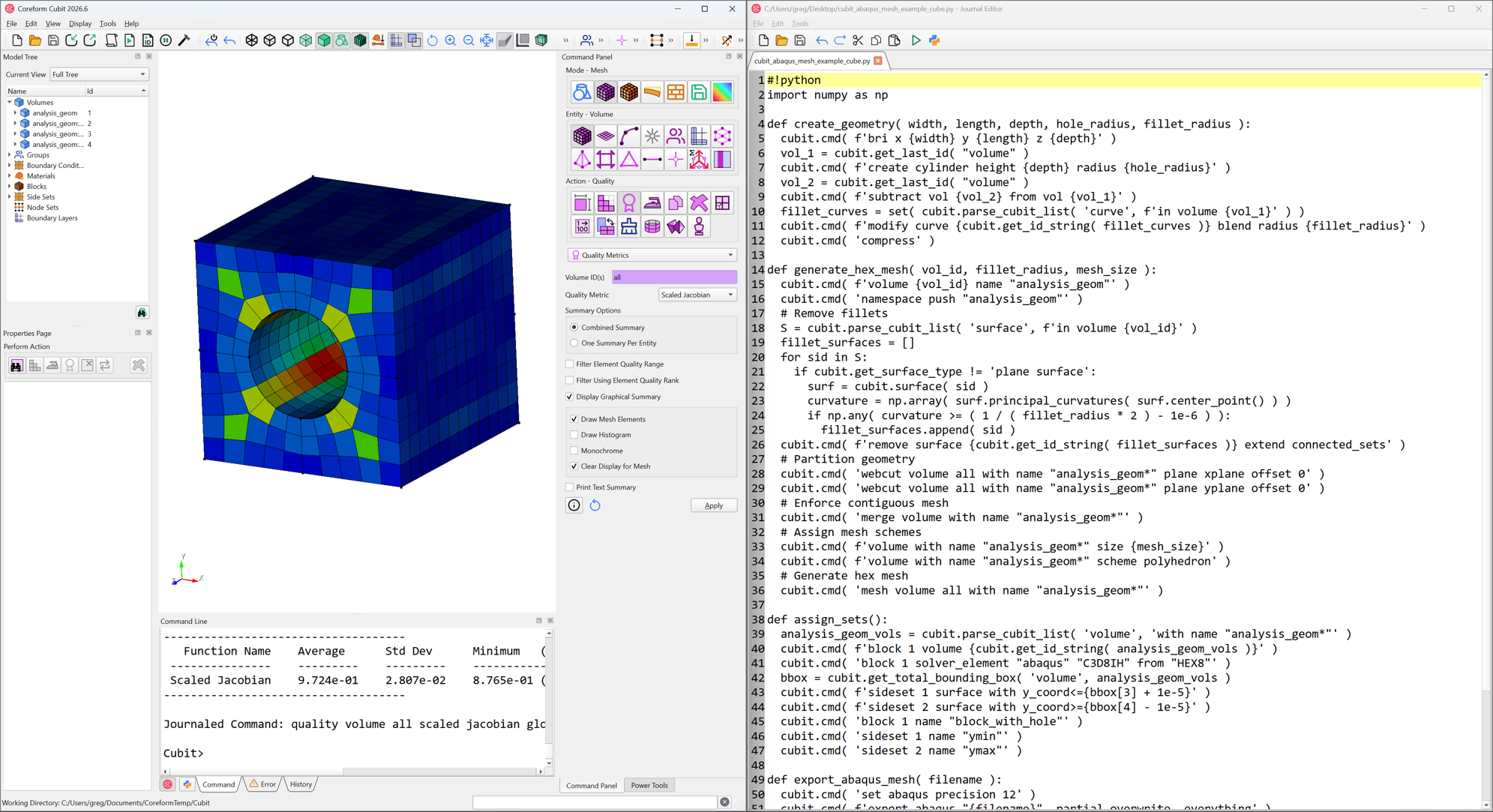
Automation and interop
- Full Python API, plus GUI and command line
- Journal files for repeatable, scriptable workflows
- Machine-learning-assisted diagnostics and classification
- Broad import and export, including Abaqus, Exodus, and DAGMC
INPUT/OUTPUT
Reads your CAD. Writes to your solver.
Coreform Cubit supports a broad range of file formats for both import and export.
Mesh export
Mesh import
CAD import
Additional CAD importers
Priced separately
Mesh once, then script it with Python.
After Coreform Cubit users become familiar with the software through using the GUI, the will often begin to heavily use Python to script their Coreform Cubit processes.
A full Python API.
Drive every step from a script and replay it as a journal file. The GUI and non-GUI versions create and play back identical journals, so you can move between interactive and batch work freely. Coreform Cubit commands wrapped in Python look like this: cubit.cmd('mesh volume all').
Built for automation. Ready for AI.
Coreform Cubit was built for automation, which makes it unusually ready for AI. Machine learning is already at work inside the product: ML-based feature recognition automatically identifies fasteners such as bolts, nuts, and pins in imported CAD, accelerating defeaturing and model prep. Coreform Cubit is also a natural fit for generative AI. Every action, whether clicked in the GUI or typed at the command line, is captured as a human-readable journal file backed by a complete Python API, so AI assistants can write meshing workflows the same way engineers do. Users can ask an LLM to generate a journal file from a plain-English description, replay it deterministically, and refine it, while AI agents can drive Coreform Cubit directly through its scripting interface to interrogate model state, clean up geometry, and build meshes with the engineer watching and steering in the GUI.
Part identification and reduction
Coreform Cubit's ML-trained part classification recognizes bolts, nuts, washers, and other fasteners across an entire assembly, each with a confidence score, then simplifies, removes, or replaces them in bulk. You can also train it on your own recurring parts.
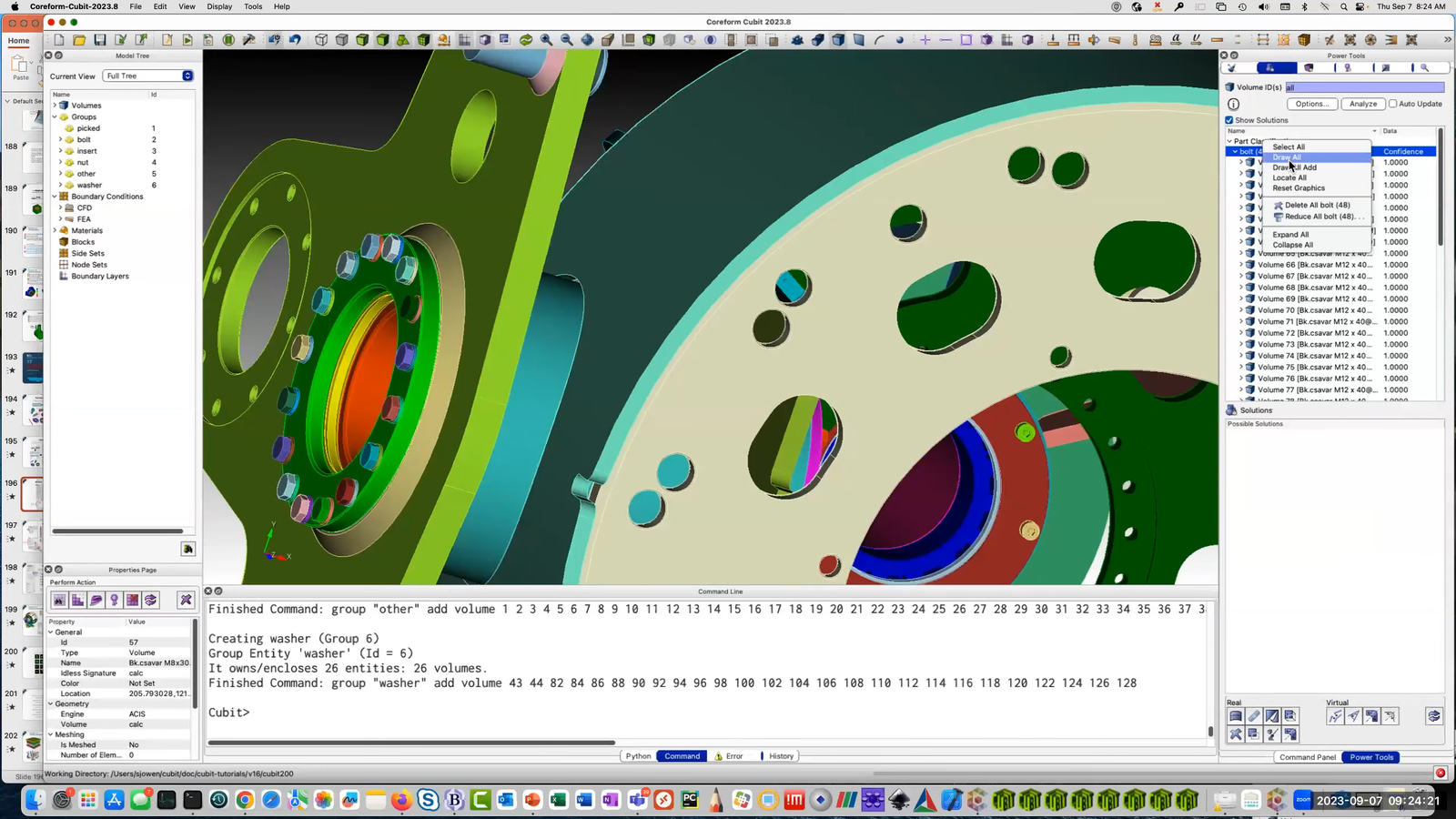
// Machine-learning part classification from the webinar Machine learning in Coreform Cubit
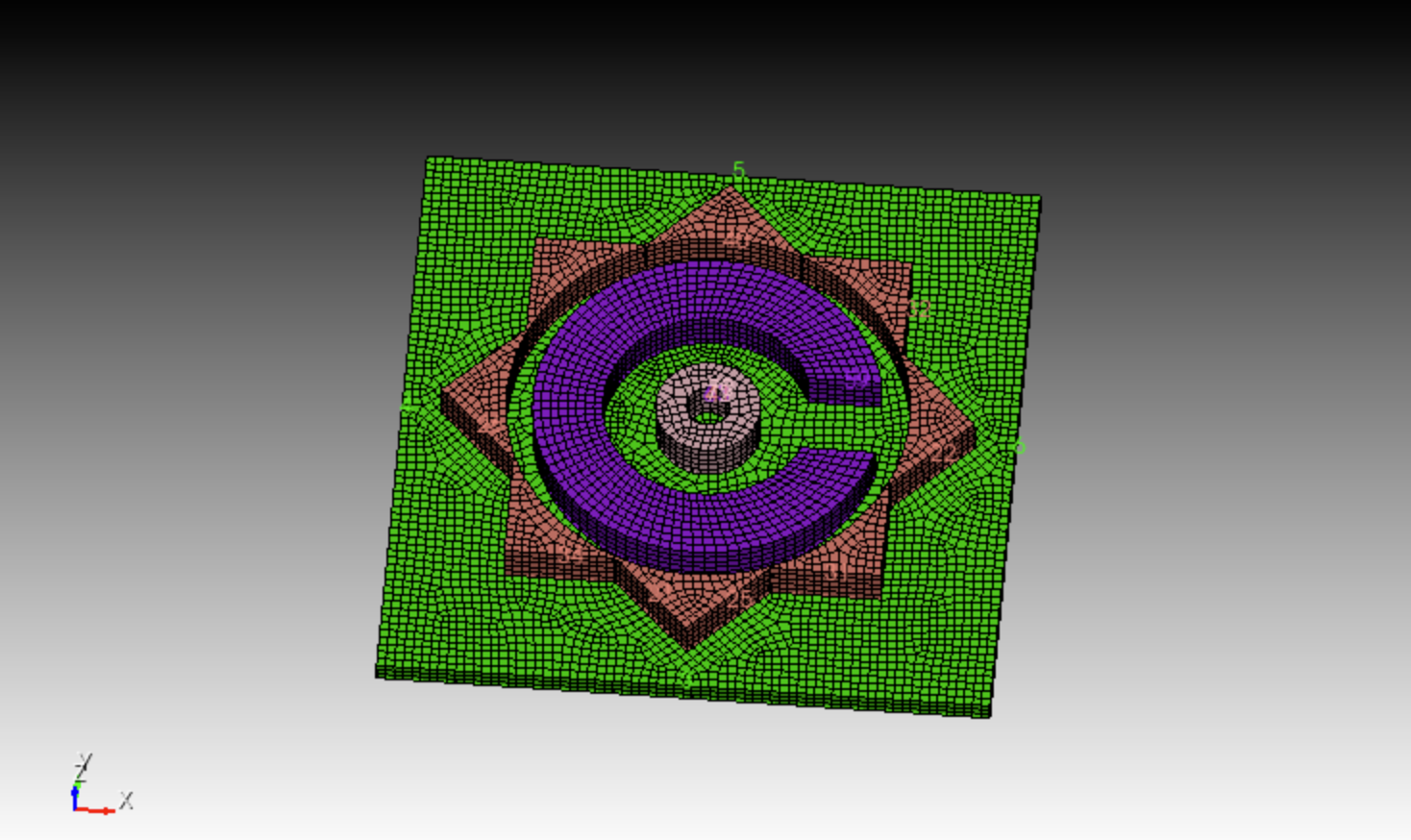
Ask an AI for a journal file. Play it back.
create cylinder height 0.5 radius 3.0
create cylinder height 0.5 radius 1.75
subtract volume 2 from volume 1
brick x 2.2 y 1.4 z 0.6
move volume 3 x 2.3
subtract volume 3 from volume 1
# ... petals, plate, webcut, imprint, merge ...
volume all size 0.125
volume all scheme sweep
mesh volume all
block all element type hex8
export ansys cdb "coreform_c_logo.cdb" overwrite
Control where it counts.
Controls mesh quality
QUALITY
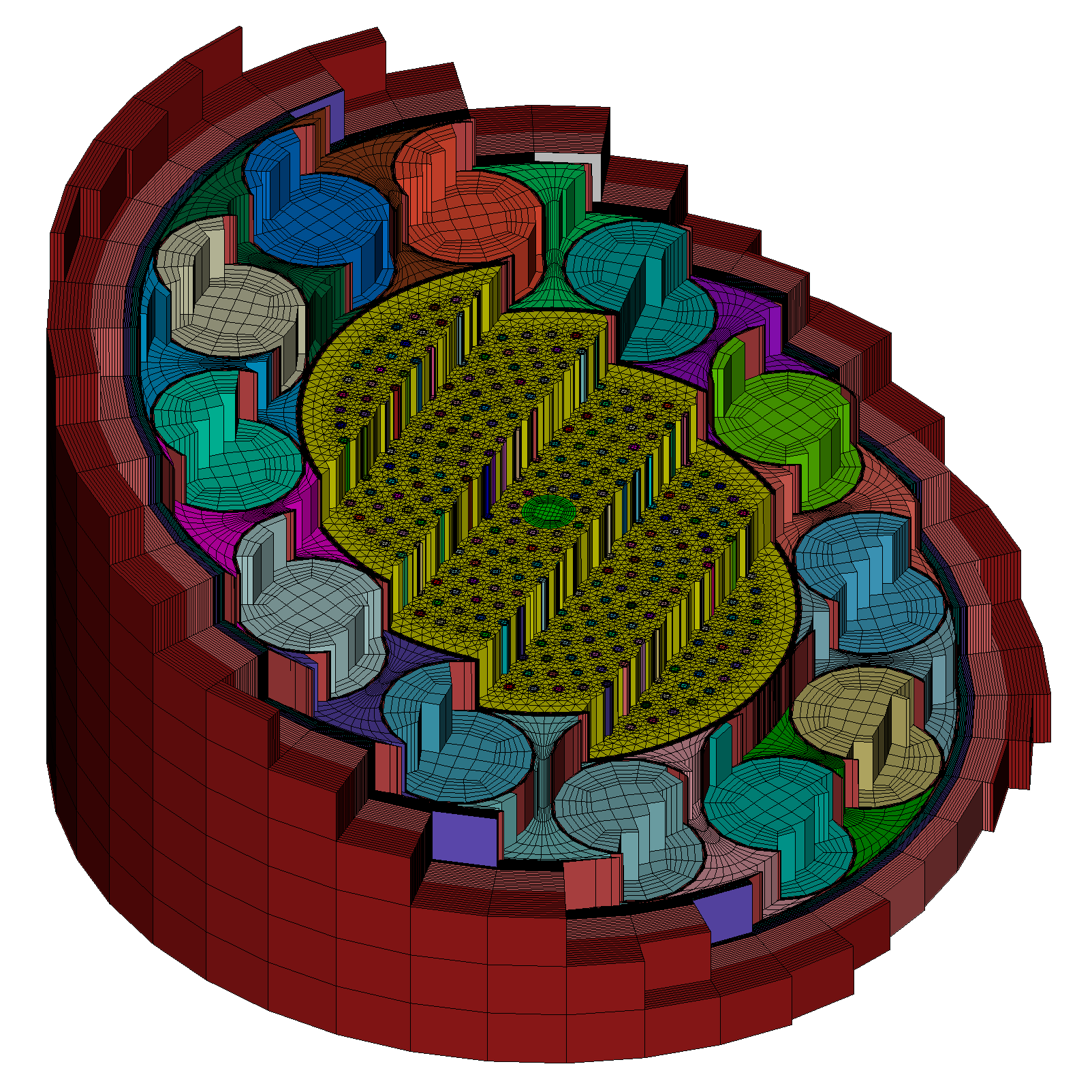
Smart, user-guided controls give you the element quality your solver needs, instead of an opaque automatic result you cannot tune.
Handles dirty, complex CAD
Healing, imprint and merge, and decomposition tools make even large interlocking assemblies meshable.
Scriptable and repeatable
The Python API and journal files turn a one-time meshing effort into a workflow you can run across hundreds of analyses.
Fits your toolchain
Import from common CAD formats and export to many solvers, so Coreform Cubit slots into the tools you already use.
Trusted by demanding engineers in industry and research.
Nuclear energy
Reactor design and Monte Carlo transport, with MCNP and DAGMC support. Above image courtesy UKAEA.
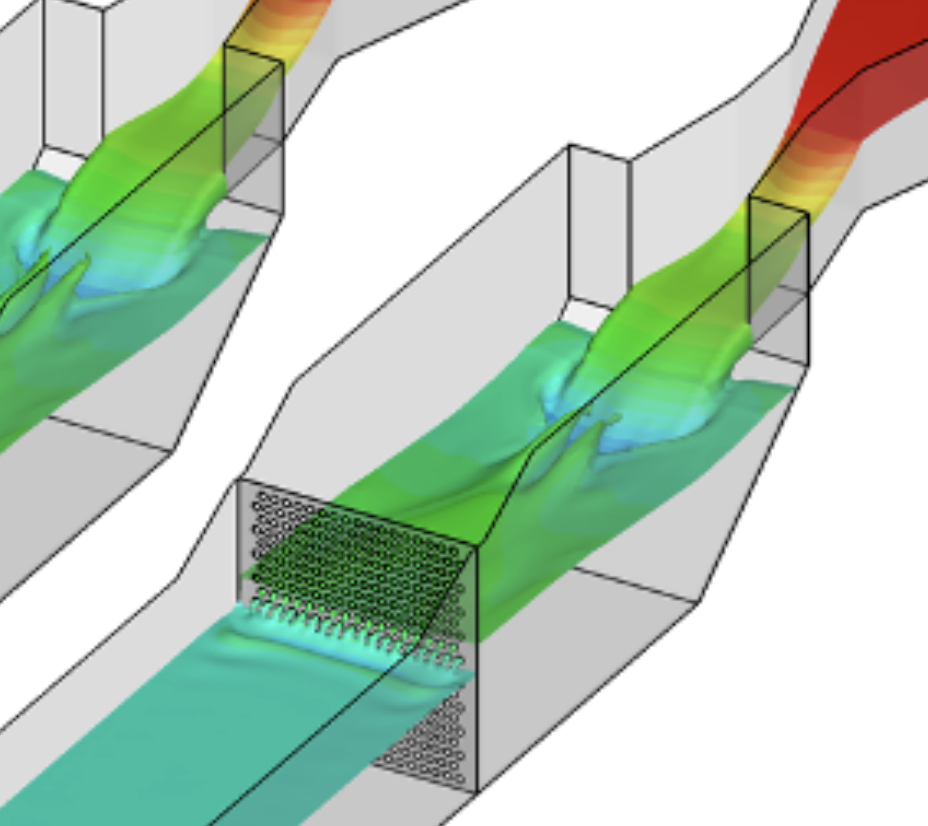
CFD
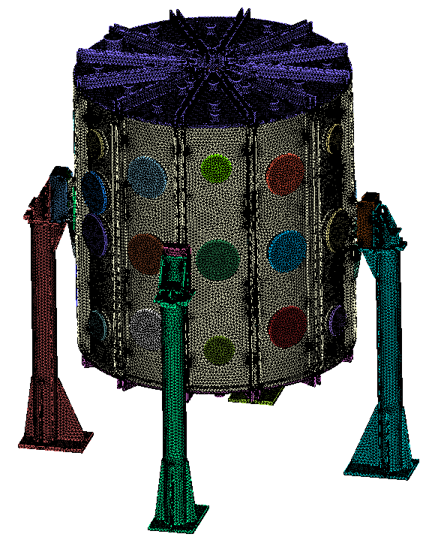
Very large, complex computational meshes for flow simulation that just works. Above image courtesy Carollo.
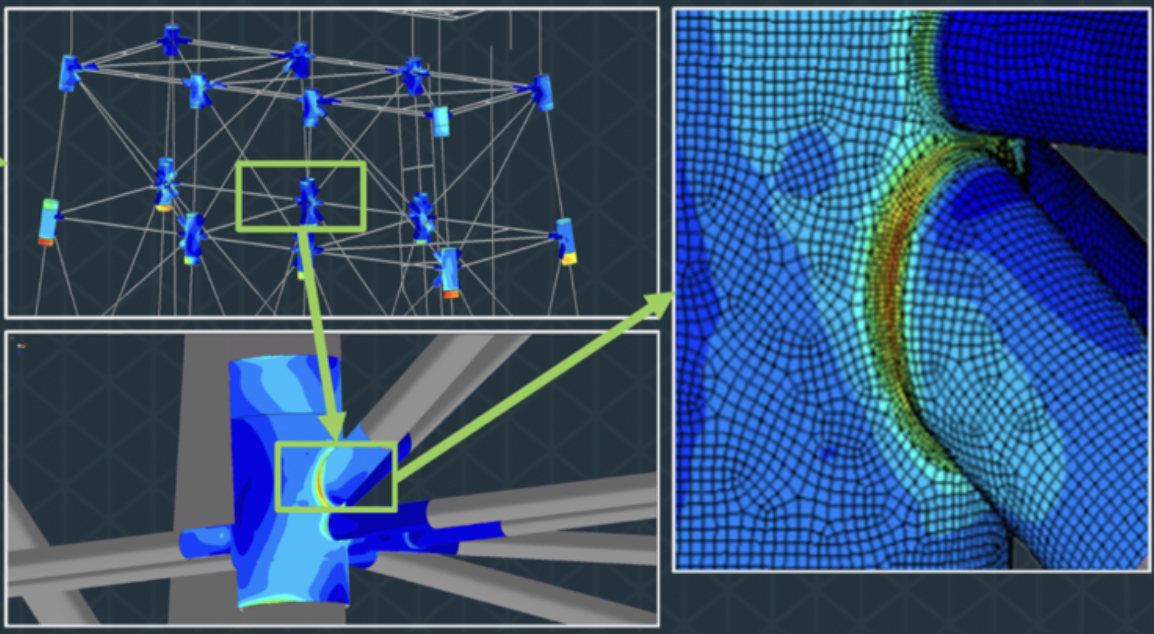
Automotive and mechanical
Structural FEA on complex parts and assemblies, automated through Python. Above image courtesy Akselos.
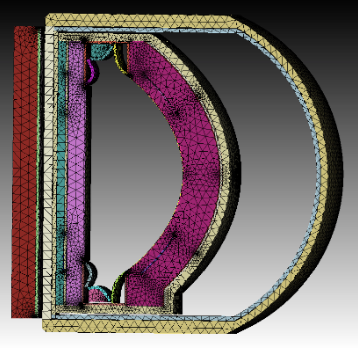
Aerospace, defense, research
High-fidelity meshing for national labs and certification-grade analysis. Above image courtesy University of Tennessee.
CASE STUDIES
Production teams rely on Coreform Cubit every day.





Common questions about Coreform Cubit.
Who develops Coreform Cubit?
How is it different from the Sandia version?
Very little at the core. Coreform contributes its much of its development back to Sandia, so the underlying meshing and geometry technology is essentially the same in both. Significant unique Coreform contributions include commercial-use licensing, CAD and mesh import/export capabilities, and commercial support. Sandia government-use licensing.
Is there a free version?
Yes. The Coreform Cubit Associate license includes all features with a 50,000-element export limit, free for students, hobbyists, and non-commercial use.
What does a commercial license cost?
Multiple commercial pricing options are available to best meet your use case. Contact Coreform for a quote.
I qualify for free government-use Cubit. Should I still buy Coreform Cubit?
If all of your work is U.S. government use, no, get the free government-use license from Sandia. You would buy Coreform Cubit for commercial work (the government-use license doesn't allow that), mesh and CAD translators, and for commercial support. Many contractors run both.
What platforms does Coreform Cubit run on?
Coreform Cubit runs on Windows and Linux.
Do I have to hex mesh everything in Coreform Cubit?
Can I automate meshing with Python in Coreform Cubit?
Does Coreform Cubit have a GUI or command line?

Get Coreform Cubit
How will you use Coreform Cubit?
🏢 Commercial work
You'll use Coreform Cubit for work at a company or lab, including evaluating it for possible purchase.
Full evaluation · no export limits · direct engineer support
🎓 Academic use
You're a student, researcher, or professor using Coreform Cubit at a university. Non-commercial use only.
Free options · university email required
Which describes you?
🔬 Researcher or professor
Faculty, research staff, or a postdoc using Coreform Cubit for university research or instruction.
Limited 30-day trial · buy academic licenses online
📚 Student
Coursework, thesis work, or student projects. Non-commercial use only.
Free Associate license · 1 year · 50,000-element export cap
👈 Choose an option to get started
Pick how you'll use Coreform Cubit on the left, and the matching form appears here.
Request a commercial evaluation
Full-featured Coreform Cubit, no element export limits, evaluated on your real models with an application engineer.
How this works: submit the form and you'll get an email with next steps. We will ask you some questions and set up a short call with an engineer to evaluate your use case.
Using a university email for research or coursework? The academic options are free with no conversation needed — continue here only if you're evaluating for commercial purchase.
Start your academic evaluation
A limited 30-day trial of Coreform Cubit for university research and teaching.
Working with industry? The academic trial is licensed for non-commercial use only. If the results will be owned or used by a commercial partner or sponsor, the license terms require a commercial license. Request the commercial trial instead.
Get your free Associate license
How this works: submitting the form creates your Coreform account, with your university email as your login. You'll land in your account portal, where you can download Coreform Cubit with your Associate license active. A university email address is required. Hobbyists, and researchers who qualify but don't have an academic email, can reach out to sales@coreform.com.
Evaluating for your company? This isn't the shortcut it looks like: the license terms prohibit commercial use, including evaluation for an employer, and the 50,000-element export cap rules out production-scale models. The commercial trial is the full uncapped product with an application engineer on your side. Request the commercial trial instead.