GUI Basic Tutorial Step 8
Step 8: Volume Meshing
The volume mesh can now be generated. Again, the first step is to specify the type of meshing scheme that should be used and the second step is to issue the order to mesh. In certain cases, the scheme can be determined by CUBIT automatically. For sweepable volumes, the automatic scheme detection algorithm also identifies the source and target surfaces of the sweep automatically.
To instruct the code to automatically determine the meshing scheme, and in this case the source and target surfaces, do the following:
- Select Volume then Mesh on the control panel.
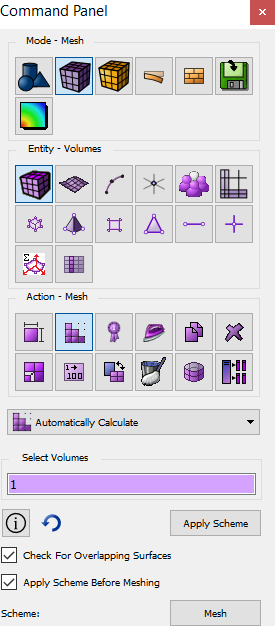
- Place the cursor into the Volume ID(s) field then select the volume in the Graphics Window. The id of Volume 1 should appear in the field. Choose the Automatically Calculate scheme using the combo box provided.
- Select Apply Scheme to set the scheme. Then select Mesh to mesh the volume.
The final meshed body will appear in the
Graphics Window, as shown below:
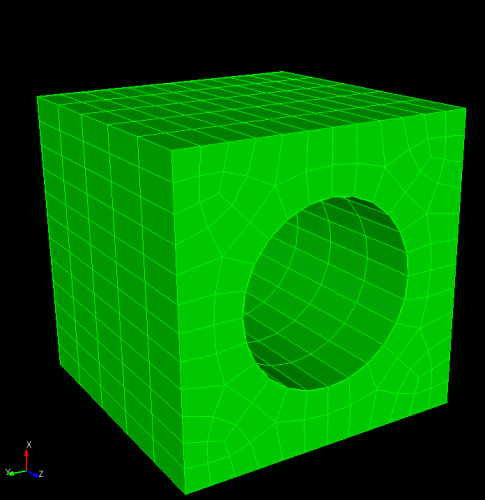
Smooth Shade View of Volume Mesh

