Web Cutting with Offset Surfaces
One or more existing surfaces of the model can be used to web cut a body by first offsetting those surfaces a specified distance. The offset surface (or, when the Loft option is used, a lofted volume built between the original surfaces and their offsets) becomes the cutting tool. This form is convenient for decompositions that follow the shape of an existing surface, such as creating a boundary-layer region a fixed distance from a wall. The following command is used:
Webcut {Body|Volume|Group} <id> Offset_tool Surface <id_range> Offset <distance> [Loft] [{Inward|Outward}] [webcut_options]
The surfaces named after Offset_tool are offset by the value given with Offset. If a single surface or a pair of surfaces is specified, the operation reduces to a sheet-extended web cut from the resulting offset surface. If three or more offset surfaces are specified and they do not form a single connected sheet, the result may be unpredictable.
The [Outward|Inward] options set the offset direction. Outward offsets the surfaces a positive distance (away from the body); Inward offsets them a negative distance (into the body). If neither keyword is given, the sign of the specified distance determines the direction.
The [Loft] option builds a lofted volume between the original surfaces and their offset copies and uses that volume as the cutting tool. This is useful for carving out a boundary-layer volume of uniform thickness; the surfaces of the resulting boundary volume are automatically assigned default meshing schemes (mapping or paving as appropriate). Loft is only valid together with the Inward keyword.
The remaining trailing options — imprinting (including Tolerant_Imprint and include_neighbors), merging, group_results, and preview — behave as described under Web Cutting Options.
This command currently web cuts a single body or volume at a time.
|
|
|
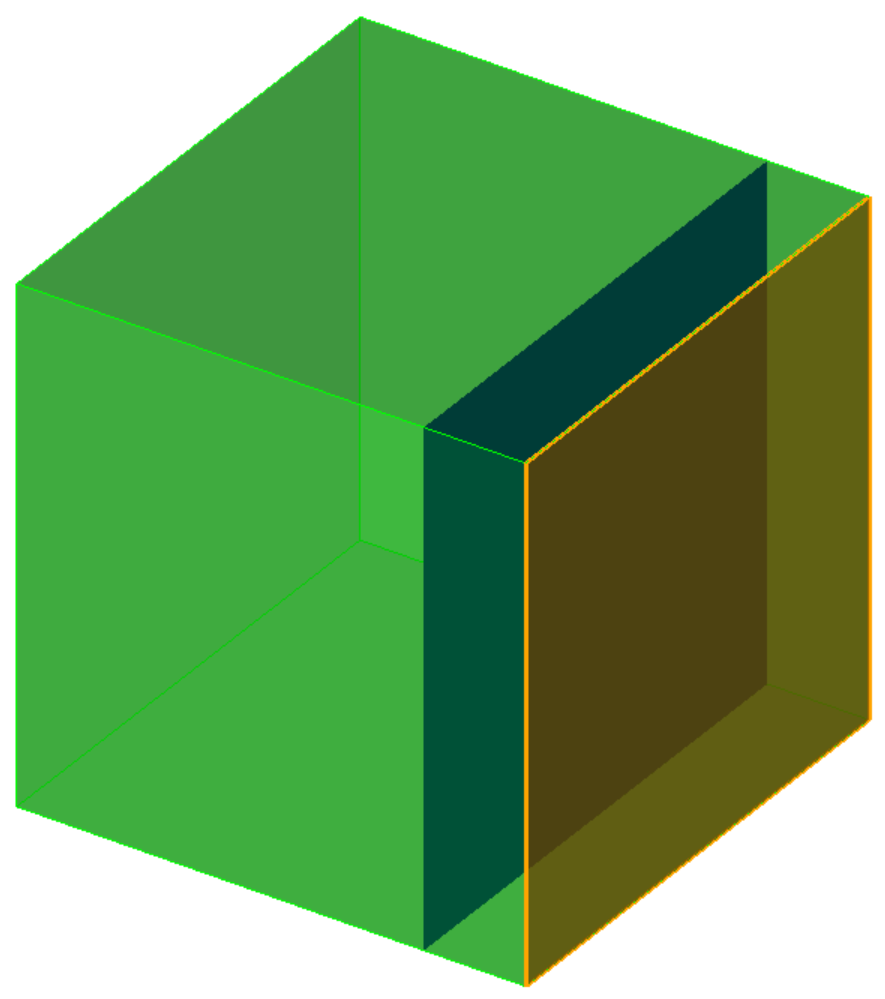
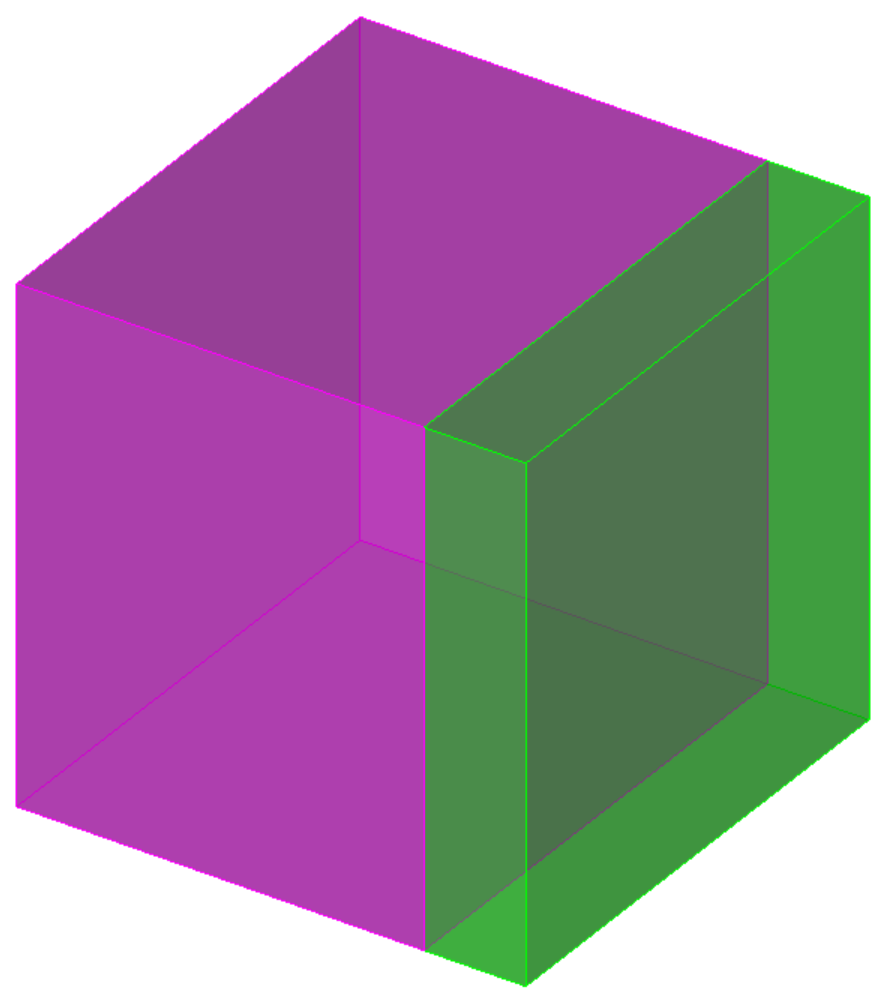
Figure 1. A surface offset a fixed distance into the body and the volume that results from the web cut.
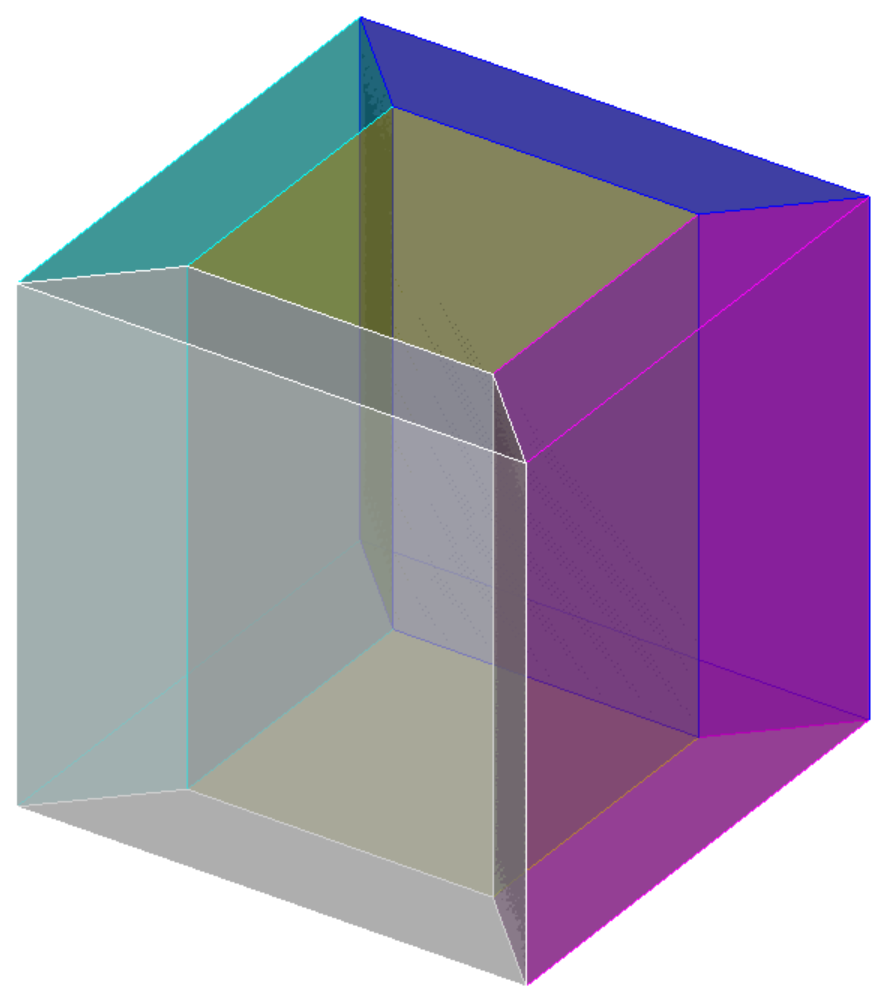
Figure 2. Using the Loft option with Inward to create a boundary-layer volume of uniform thickness.