GUI Basic Tutorial Step 3
Step 3: Creating the Cylinder
Now you must form the cylinder which will be used to cut a hole in the brick.
- Select Cylinder from the Volume-type combo box.
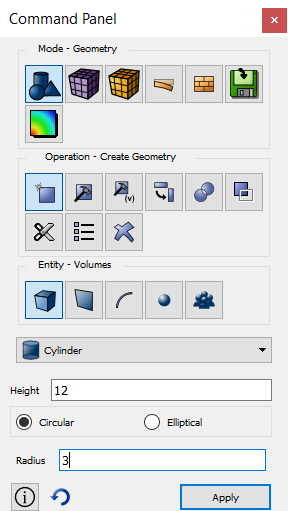
- Enter 12 for the height and 3 for the radius. Then select Apply.
The brick and the cylinder should appear in your display window as shown below:
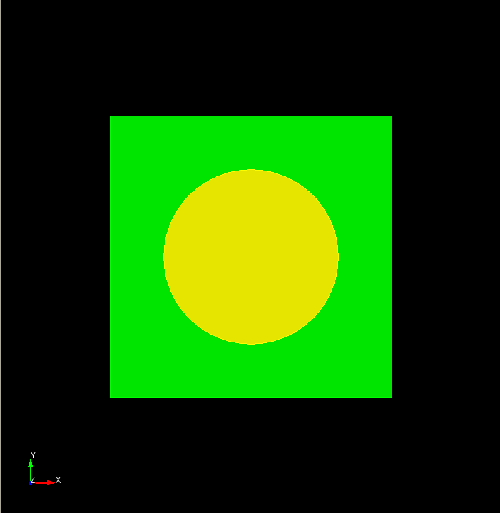
Brick and Cylinder

